App Builder · Partial
Your process, a first-class record type.
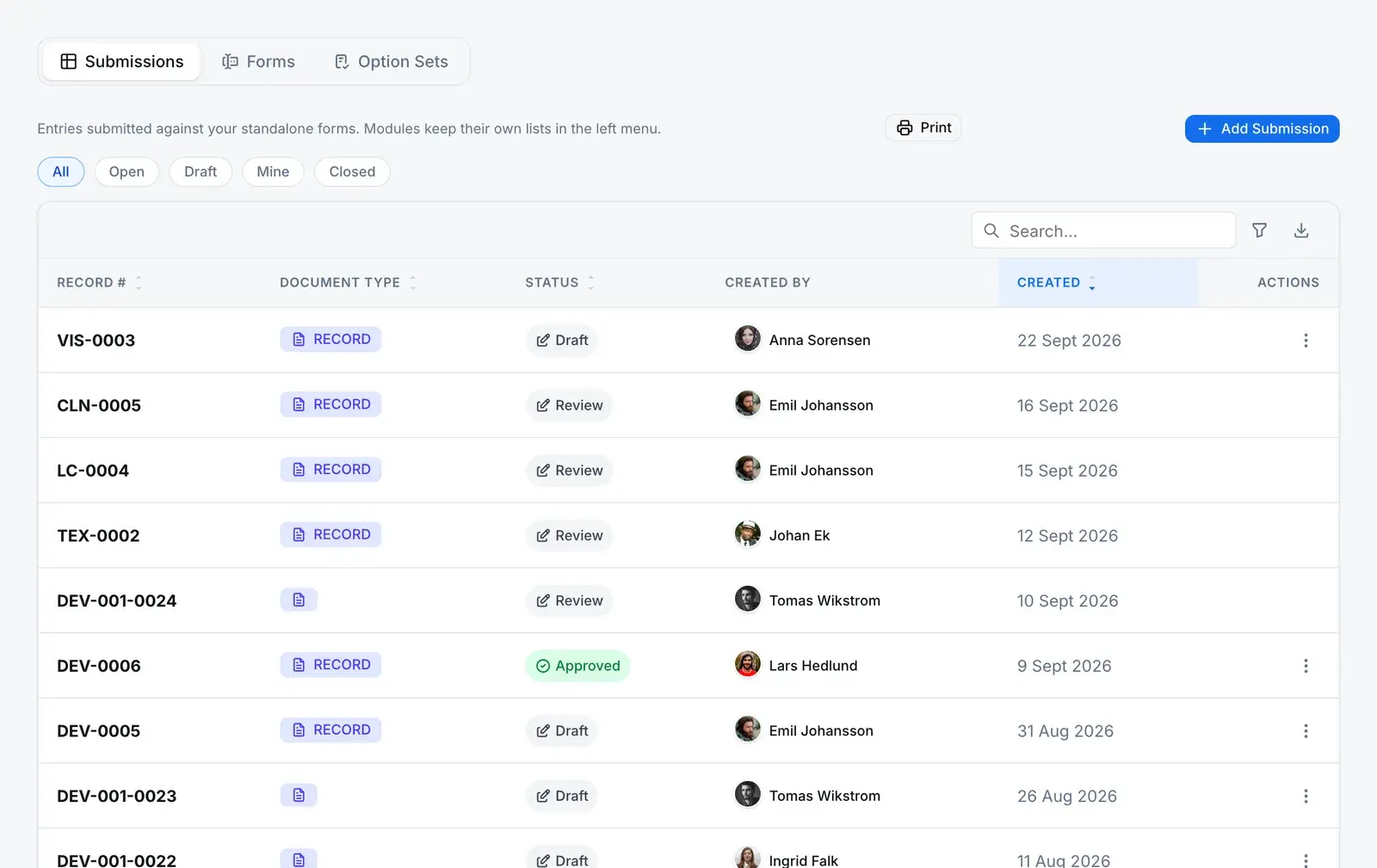
Draw the form, promote it, and it stops being a form. It gets its own menu entry, its own numbering and its own line in the permission matrix, and its records run on the same workflow engine, task list and audit trail as the records we ship.
What promotion does
One dialog turns a form into a record type.
Promotion is not a label change. Here is the form before, the record type after, and every row the promotion writes in between.
PartialA module you build gets most of what a built-in record has, not all of it. What is missing is listed at the end of this section.
Before · A form template
Supplier qualification
- Sections and fields drawn on the form canvas
- Entries land in the shared Submissions list
- Governed by the shared submissions permission, not one of its own
- No menu entry and no numbering of its own
- Module name
- Internal key
Reserved names, keys already in use and reusable form blocks are refused.
After · A record type
Supplier qualification
- Its own menu entry and its own register
- Record numbers from its own counter, in the template’s prefix
- Its own line in the roles and permissions matrix
- Routed sections run as steps on the workflow engine, in the task list
- Every write to its records lands in the audit trail
The templateform_templates
Adds:
Adds:
Adds:
The permission catalogauthz.modules
Adds:
Its actionsauthz.module_actions
Adds:
The first grantsauthz.role_module_permissions
Adds:
What each record of it lives under
- Draft
- Open
- Closed
- Cancelled
- Records are created only in Draft, and status moves only along the lifecycle. The app cannot write a status directly. Database refuses
- Close is refused while any task on the record’s workflow is still open. Server refuses
- Cancel needs a written reason and your electronic signature, recorded against the record. Server refuses
- Start, close, cancel and sharing each check that your role may update records of this module. Server refuses
The rules, and who enforces them
What the builder won’t let happen
The form you draw is yours to change. What it already captured, and what it became, are not.
- A module is permanent
- Its key is the menu route, the permission line and the workflow’s name, so a trigger refuses any change to it, and refuses turning the module back into a plain form.
- Database refuses
- One key per company
- A partial unique index holds each module key unique inside your company. The server checks the pattern and the reserved names before it gets that far.
- Database refuses
- A record keeps its module
- A record belongs to the module it was created under for its whole life. Moving it to another is refused.
- Database refuses
- A form in use cannot be deleted
- Only a draft template that was never activated or promoted can be deleted. Anything else is refused, so you archive it instead.
- Database refuses
- The form freezes when a record starts
- Starting a record stores the form as it stood at that moment, and each workflow step copies its own section. Editing the template later changes new records, not captured ones.
- Server refuses
- A register without gaps
- Numbers are minted at start, not at draft, so a deleted draft never uses one up. Two people starting records at once queue on the counter instead of colliding.
- Server refuses
Before you build
The questions a quality manager asks second
What can I call a module, and what exactly does promoting one write?
The key starts with a letter and runs 2 to 40 characters of lowercase letters, digits and underscores. Built-in names such as records, capa and nonconformance are reserved, the key must be unique inside your company, and a reusable form block or a template that is already a module is refused. The template update, the module, its five actions and the first grants are written in one transaction, so a failure leaves nothing behind.
Who can use a module I build?
At promotion, every role that can create form templates gets every action on the new module, company-wide. Every other role starts with none until an administrator grants it in the roles matrix. For a module you build, the matrix offers company-wide access only, with no own, department or site tier, so plan the roles that hold it accordingly.
Can a record of my module carry an electronic signature?
Cancelling one does: it needs a written reason and your electronic signature, recorded against the record itself. Closing one does not. A routed section can also be set to require a signature on its workflow step, and that signature is recorded against the step, not the record. If the close itself must be signed, put that process on a record type whose close is signed.
Can I find and print module records?
Yes. Module records are indexed for the global search alongside nonconformances and CAPAs, a result opens the record in its own module, and search can be narrowed to one module. Each record also has a print view that lays out its fields and every routed section with its answers, against the form as it stood when the record started.
If I change the form later, what happens to records already captured?
Nothing. A record stores the form as it stood when it started, and each workflow step copies its own section, so editing or archiving the template changes new records only. A template’s version number can never go backwards, so two different forms can never answer to the same version.
Can I delete a form template?
Only a draft that was never activated or promoted. Once a template is live, or is a module, the database refuses the delete. Archive it instead: records, workflow steps and the module itself still reference it.